

Description
Intuitive and Easy to Use
Deploy and manage multiple sites quickly and easily. Add, delete, or rename sites instantly. Toggle between sites from a site selection drop-down. Each site contains its own data set.
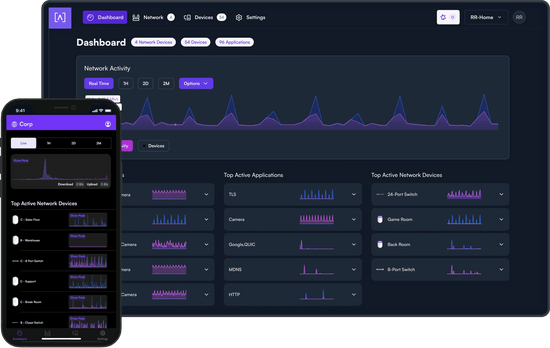
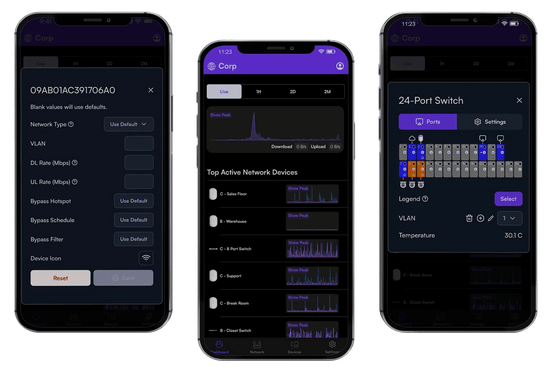
Mobile App


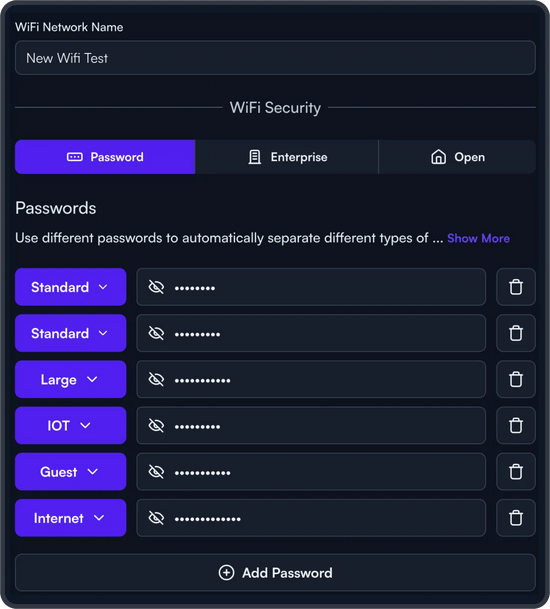
AltaPass™ Multi-Password Technology
When a password is created, select from one of the predefined standard use cases. The password can then be associated with a specific upload or download rate, a VLAN, or set to bypass the filtering rules, and the hotspot functionality, or to ignore the schedule.
- Standard/Small – Typical network with less than 100 WiFi clients/devices
- Large – Optimized for hundreds to thousands of WiFi clients/devices
- IoT – Restricted to Internet and local incoming connections only
- Internet only – Restricted to Internet only
- Guest – Restricted to Internet and IoT devices

Advanced Filtering – DPI Engine
By incorporating this feature directly in the access points, there is no need to purchase additional hardware to take advantage of this powerful tool.
- Restrict access to websites, applications, or application types. Filter settings are easily applied in the Alta Labs web management interface.
- Select applications or application types in the Block Applications drop-down menu.
- Block websites by typing in their domain names in the Block Domains field.
Wireless Network Color Coding

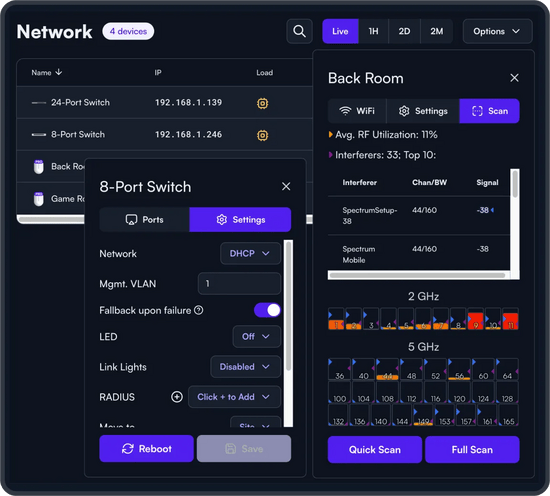
On-The-Fly Changes and Scanning
- Configuration changes do not require a reboot of your network. Changes can be made without taking your network down.
- Scan your AP environment without disrupting your WiFi network.
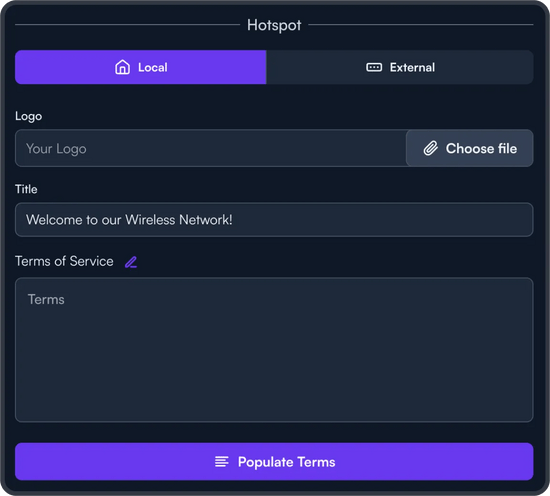
Hotspot Functionality
You also have the option to redirect to an external captive portal.
SSID Broadcasting Flexibility
This provides network admins with the ability to grant users additional time on the network. A user can request access via a captive portal displayed when they try to access the network.
Status Snapshots
Select a snapshot of the last minute, last hour, last two days, or last two months.


